 zerqith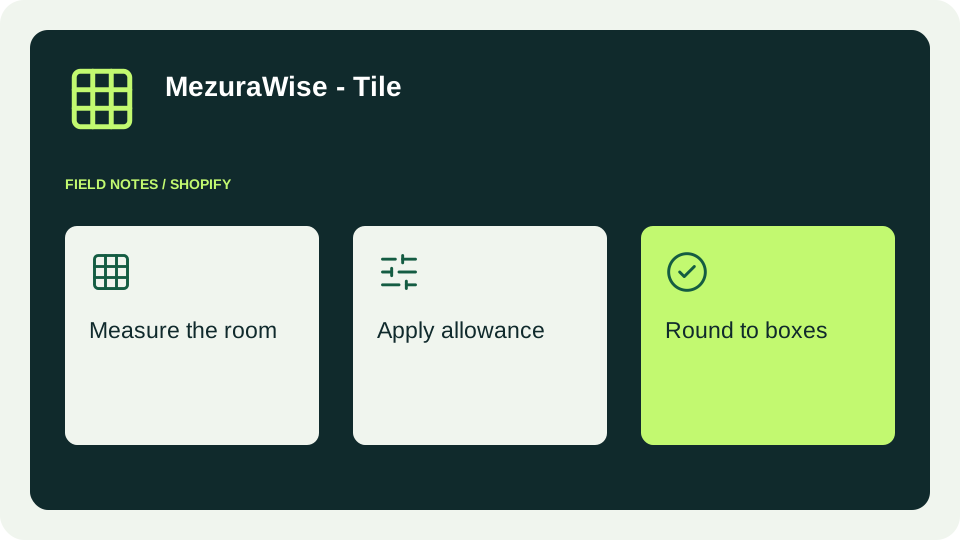
A shopper knows the size of their room. Your store sells boxes. Between those two facts sit unit conversions, tile sizes, an allowance for cuts and a final rounding decision. Tile Calculator makes that step visible on the product page.
Start with the product you actually sell
Enter the tile’s physical dimensions and pieces per box. If the manufacturer publishes a box-coverage figure, use that figure with its correct area unit. Nominal dimensions do not always describe a box’s published coverage precisely, so the calculator gives the explicit coverage value precedence.
Treat units as part of the specification. A stored number of 12 with a unit of inches means something very different from 12 centimetres. Changing the saved unit is not a conversion: update the number too. Shopper-facing unit switching is handled separately by the calculator.
Make the purchasing unit clear
Suppose a customer needs to cover 120 square feet. With a 10% allowance, the target coverage is 132 square feet. A box covering 12 square feet produces an estimate of 11 boxes. A different box covering 11 square feet produces 12 boxes. Small packaging differences matter.
Automatic quantity synchronization is helpful only if a quantity of one in Shopify means one box. If your product is sold by individual tile or another unit, leave sync disabled until the product and calculator represent the same purchasing unit. Test the resulting cart, not just the number displayed beside the calculator.
Put the explanation beside the decision
Place the app block near the product’s purchasing controls. Keep the unit and allowance visible, explain that the output is an estimate and tell shoppers how to obtain project-specific advice. An allowance cannot predict every pattern, cut or site condition.
Start with a few representative products. Check one with manufacturer coverage, one using dimensions and pieces, and any variants with different packaging. Test on a phone before rolling the setup out more broadly.
The MezuraWise - Tile documentation walks through installation, configuration, plans and troubleshooting. A clear specification and a tested cart flow are the foundation of a useful estimate.