 zerqith
S · BY ZERQITH
Flexi Blocks
Build announcement bars and promotional layouts with reusable components and plan-based controls.
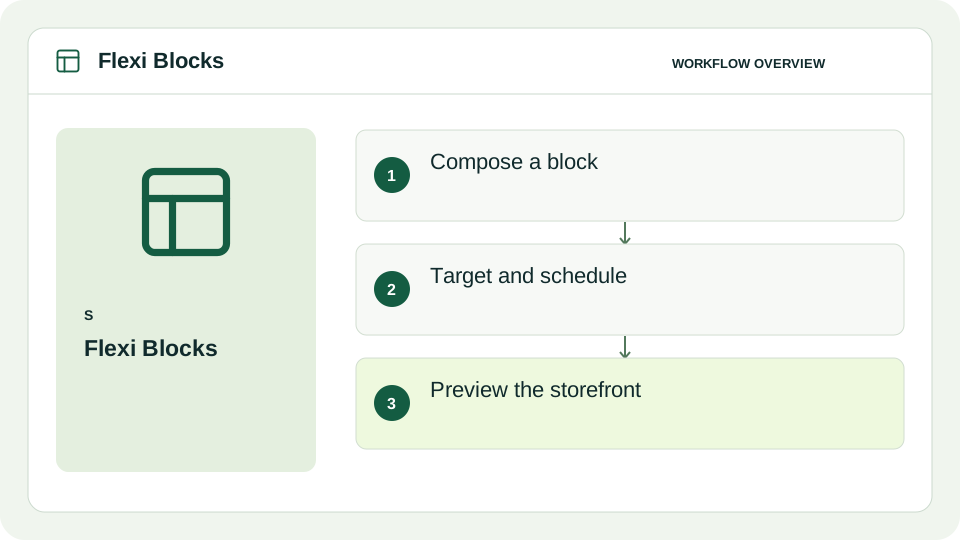
Compose the message
Combine containers, text, icons and eligible interactive components.
Match the moment
Scheduling and page targeting depend on the selected plan.
Adapt the layout
Eligible responsive styling and localization support different devices and audiences.
Start with a small, tested setup.
Build a block, enable the Flexi Blocks app embed and add a visible block to the right theme section. Preview on mobile and check links, targeting and schedules before publishing.
Know what is included.
Read the product guide for supported features, current limitations and any plan requirements. Review the actual offer before installing or subscribing.
Clear guidance, all in one place.
Installation, configuration, troubleshooting and data handling are covered in the product guide.